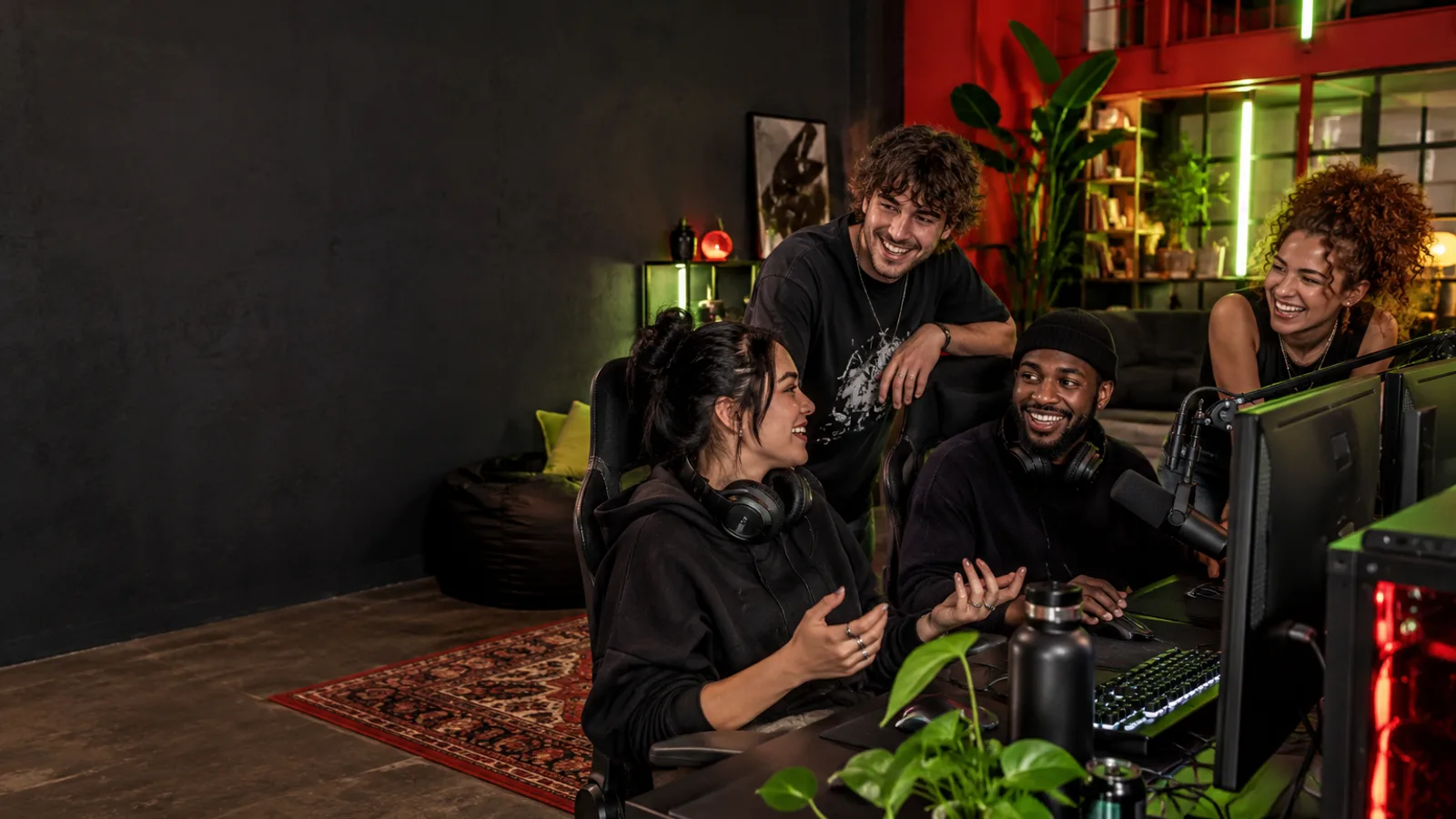
Voice chat and screen sharing
A place for your gaming crew, your community, and the friends who just want to hang out. Free to use during our preview.
A voice room for your people
Join a server voice channel or start a direct call. Free talk is the default; push to talk is available when you want to choose exactly when your microphone is live.
- Select your microphone and output device, check your input with a mic test, and adjust sensitivity.
- Choose noise suppression, echo cancellation and automatic gain settings to suit your setup.
- Adjust another person's volume locally, without changing what everyone else hears.
Call quality depends on your microphone, device and connection. MAD Connect uses WebRTC, with a relay available when a direct connection cannot be established.
Share the game. Keep the conversation.
Screen sharing and camera video sit alongside your voice call. The sharer chooses the capture preset and can change it during a session. Viewers can focus a stream, expand the stage or use fullscreen, with a label showing the received stream quality.
Screen-share presets target up to 60 frames per second. Actual resolution and frame rate vary with capture hardware, the viewer's browser and available bandwidth; a preset is not a promise of constant delivered 60 fps.
Watch Together adds synchronized YouTube playback to a room. An active watch session is indicated to room members, while screen-share controls remain independent.
Messages with a seven-day lifetime
Send direct messages, chat in text channels, share files and react to the conversation. Server messages, direct messages and their attachments expire seven days after the original send time. Editing or pinning does not reset that clock.
Messages are stored in private service storage, not end-to-end encrypted. Downloads, screenshots and recovery backups are outside the seven-day message policy. Read the full retention and privacy details.
Your community, in your colors
Create a server, invite your people and organize text and voice channels. Roles, private-channel permissions, timeouts and server voice controls let owners manage their community.
Light and dark mode, accent colors, surface tones, message density and text size make the space yours. Notifications, sounds and new-contact preferences are configurable too.
Meeting someone new? Find gaming friends or a casual conversation in Find a Group. Prefer a desktop app? Download MAD Connect for Windows.
Still growing, with you
MAD Connect is an active development preview. Features and availability can change. We are building the Windows and browser experience first; dedicated mobile and macOS apps are not available yet.
Create an account or contact madconnect.dev@gmail.com with feedback.